
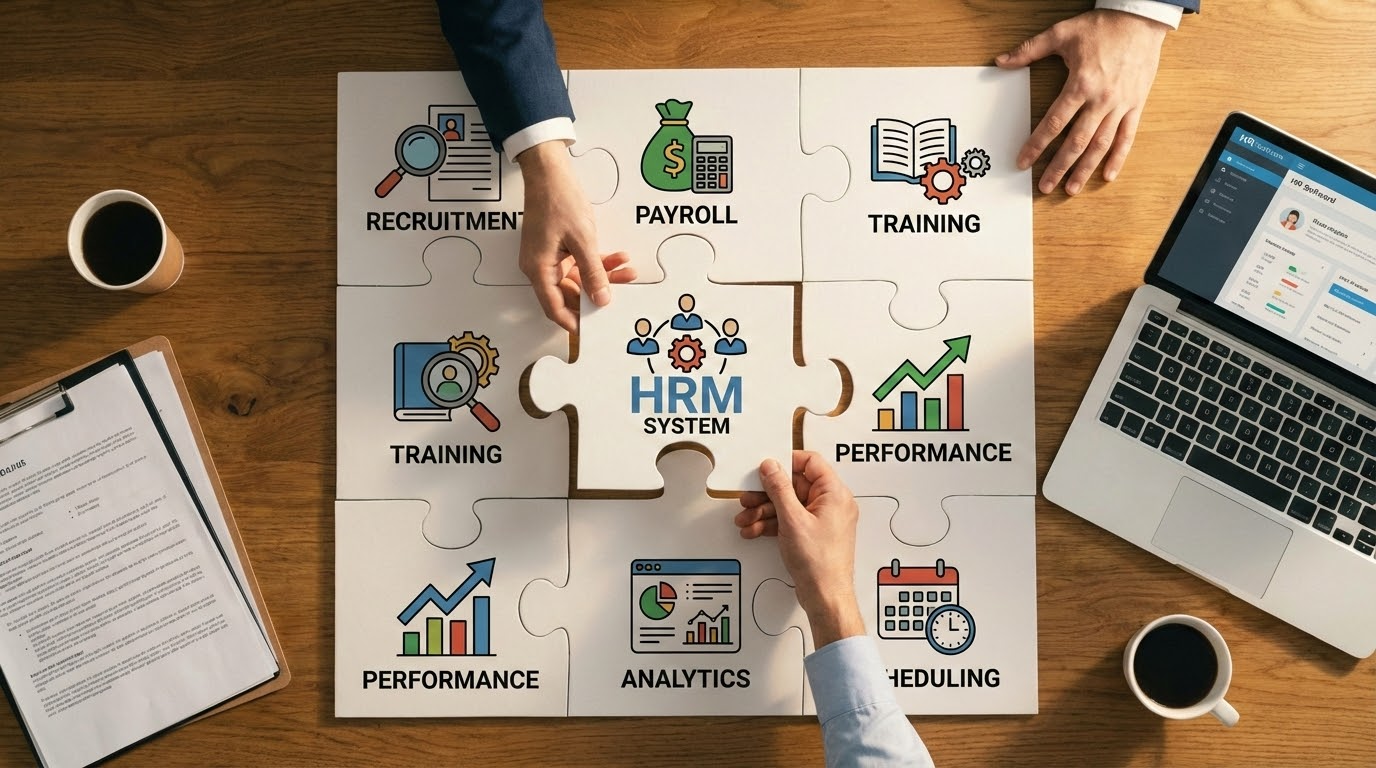
Remember how it felt the first time you switched from an old Nokia to a smartphone? Awkward at first — and then you couldn’t imagine life without it. HRM systems work the same way.
Excel spreadsheets, folders full of documents, calendar reminders — all of that worked fine when the team was small. But as the business grows, old tools simply can’t keep up.
In this guide, we’ll show you how to move to an HRM system smoothly — and make life easier for your HR team. Let’s start with the most important part: proper preparation for change.
Step 1. Identify Your Company’s Needs
Before rushing off to look for the “perfect” HRM system, it’s worth pausing and asking yourself: what exactly isn’t working in your current processes?
Maybe you’re tired of collecting vacation requests through messengers. Or constantly checking whether employee documents have expired. Or juggling team information scattered across endless files and folders.
Bring your HR team together and discuss:
- What takes up most of your time?
- Which processes cause constant frustration?
- What gets forgotten or lost most often?
- What do employees regularly remind you about?
Once you list all these pain points, it becomes much clearer which HRM features your company actually needs. And you won’t end up paying for tools you’ll never use.

Step 2. Choosing an HRM System
Once you’re clear on your needs, it’s time to choose the system itself. Think of it like buying a new gadget — you’re looking for the right balance between features and budget.
What to pay attention to:
- Cost per employee. Don’t forget hidden expenses like setup, training, or support fees.
- Must-have features: onboarding, digital document management, vacation tracking, and anything you truly need.
- First impressions: if the demo already leaves you with a hundred questions, that’s a red flag.
- Customer support: test how quickly and clearly they respond during the trial period.
Be sure to use a free trial. Invite a few colleagues to test the system, create typical tasks, and walk through the entire process from start to finish. This helps avoid unpleasant surprises after you commit.
Step 3. Planning the Launch
Once the system is chosen, it’s time to prepare for launch. Don’t skip this step — without a clear plan and defined responsibilities, things can quickly turn chaotic.
Start by putting together a launch team. You’ll want:
- A project owner to keep everything on track
- An HR manager who understands the processes inside out
- A technical specialist to handle setup and configuration
- A pilot group — a small group of employees for initial testing
Next, create a clear rollout plan:
- What happens first? (Usually basic setup and data migration)
- What comes next? (Team training and small-group testing)
- When do you roll it out company-wide?
- Who is responsible for what, and what are the deadlines?
Most importantly, decide how you’ll measure success. For example:
- 90% of employees use the system weekly
- The HR team saves 10 hours per week
- All vacation requests go through the system
Step 4. Learn — and Teach Others
Even the best system won’t deliver results if people don’t know how to use it. At the same time, no one gets excited about a 100-page manual.
Make training simple and convenient:
- Split users into groups: HR team, department managers, and regular employees
- Run live training sessions focused on core features
- Record short video tutorials (2–3 minutes each)
Create a “safety net”:
- Prepare a quick reference guide with the most common actions
- Assign system ambassadors in each department
- Build a knowledge base where answers to common questions are easy to find
And don’t forget the testing phase. Let the team practice on real tasks while the old system is still running.
Step 5. The Actual Rollout
At the final stage, the most important thing is not to rush. Implementing an HRM system is like moving into a new home — it’s better to spend extra time packing than to search for lost things later.
Start with the basics:
- Set up the company structure
- Configure access rights
- Add the work calendar
- Upload the necessary document templates
Next comes data migration:
- Decide which information really needs to be moved (older data can often stay in the archive)
- Check data for accuracy before transferring it
- Upload information gradually, department by department
Be sure to test everything with a small group first.
- Ask the pilot team to walk through all key processes
- Make sure notifications work correctly
- Confirm that all data is in place
Only when everything is running smoothly should you roll the system out across the entire company.
Step 6. Monitor, Evaluate, and Optimize
The system is live — but this isn’t the finish line. The first few weeks will show what’s working well and what still needs fine-tuning.
Keep a close eye on things:
- See how often employees log into the system
- Check whether processes are actually going through the HRM system, not being handled “the old way”
- Track how much time the HR team is saving
Actively gather feedback:
- Create a simple form for reporting issues
- Run a quick pulse survey a month after launch
- Talk to department heads about their experience
And most importantly — don’t be afraid to adjust your processes:
- Simplify anything that causes the most confusion
- Add instructions where people tend to get stuck
- Reconfigure certain features if they’re not working as expected
Remember: there’s no such thing as a perfect system — only systems that keep getting better. And that happens when you truly listen to your users.
So, while implementing an HRM system may seem complex and stressful at first, with the right plan it becomes much more manageable.
The key is to move step by step:
- First, understand what you actually need
- Choose a system that truly fits your business
- Plan the rollout and prepare your team
- Don’t cut corners on training
- Launch in stages
- Listen to feedback and keep improving
If you’re still managing HR processes in Excel or Google Docs, it might be time to switch to something more convenient. Start with a free trial of an HRM system — for example, MayBee. Test the core features and feel the difference for yourself. What’s more, the MayBee team can help migrate your data from other systems, tailor the setup to your processes, and support you at every stage of implementation.
Who knows — in just a month, you might be wondering how you ever worked the old way.
Try MayBee today — sign up and get full access to all system features.



 We stand with Ukraine