
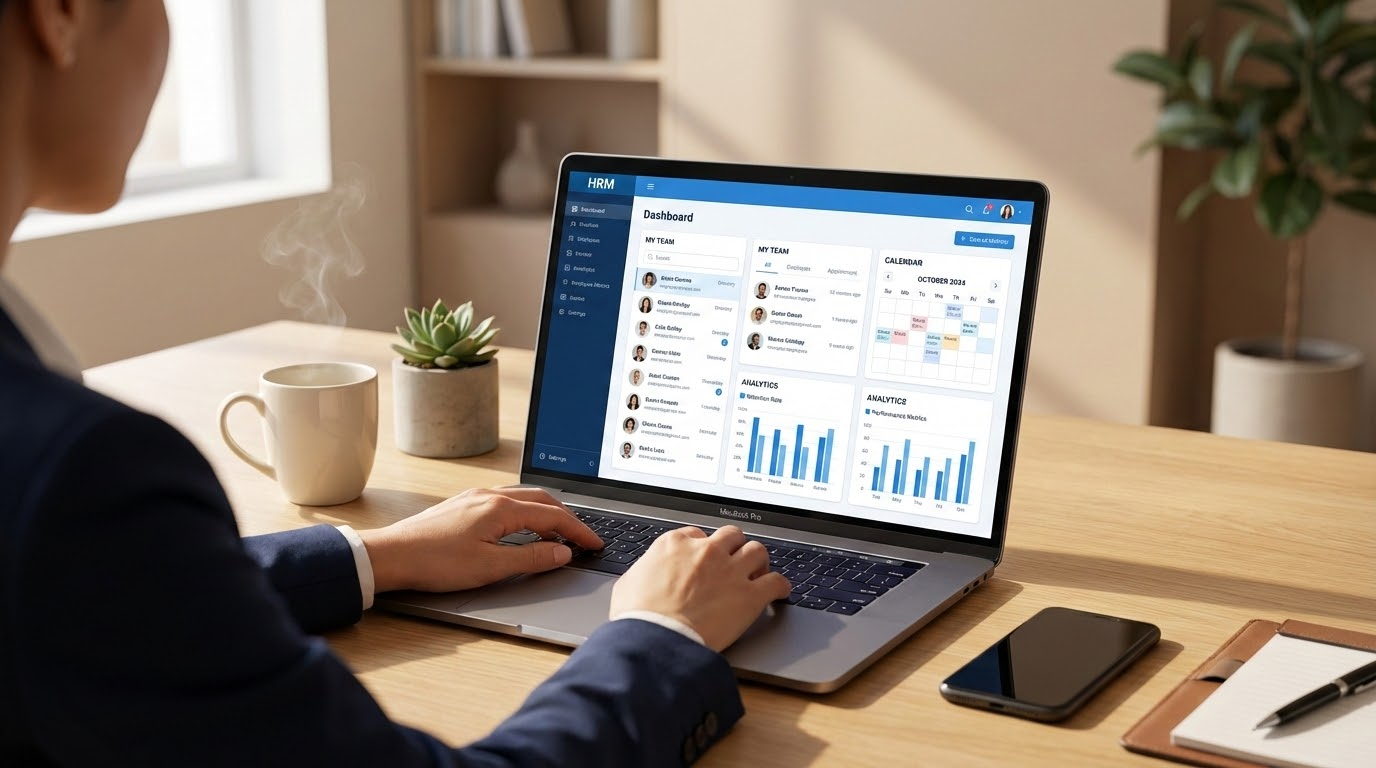
An HRM system is software in which a company keeps its employee data and the processes for working with people: profiles, vacation and sick leave, hiring, onboarding, reviews, surveys, and reports. The name comes from Human Resource Management. The main difference from a collection of spreadsheets and chats is that each event is recorded once, in one place, and reports are calculated from those records.
This article explains what an HRM system includes and what it usually lacks, how it differs from an HRIS, an ATS, and payroll software, the signs that a company already needs one, and which questions to ask before choosing.
HRM and HRM system: what the terms mean
HRM means managing people in a company as an activity: hiring, onboarding, development, evaluation, retention, and offboarding. An HRM system is the software that supports this activity. In conversation, the two terms are often used interchangeably.
Several other acronyms show up alongside HRM. The boundaries between them are loose, and different vendors use them differently, but roughly:
- HRIS (Human Resource Information System): employee records. Profiles, positions, departments, change history.
- HRMS or HRM system: records plus processes. Absences, onboarding, reviews, surveys, analytics.
- HCM (Human Capital Management): the broadest term. It often refers to systems for large companies that also include payroll and workforce planning.
- ATS (Applicant Tracking System): a system for hiring. Job openings, applications, selection stages, correspondence with candidates. It can be a standalone program or a module of an HRM system.
For a 20-100-person company, this classification has one practical implication: before choosing, decide whether you need hiring in the same system or whether it will live separately.
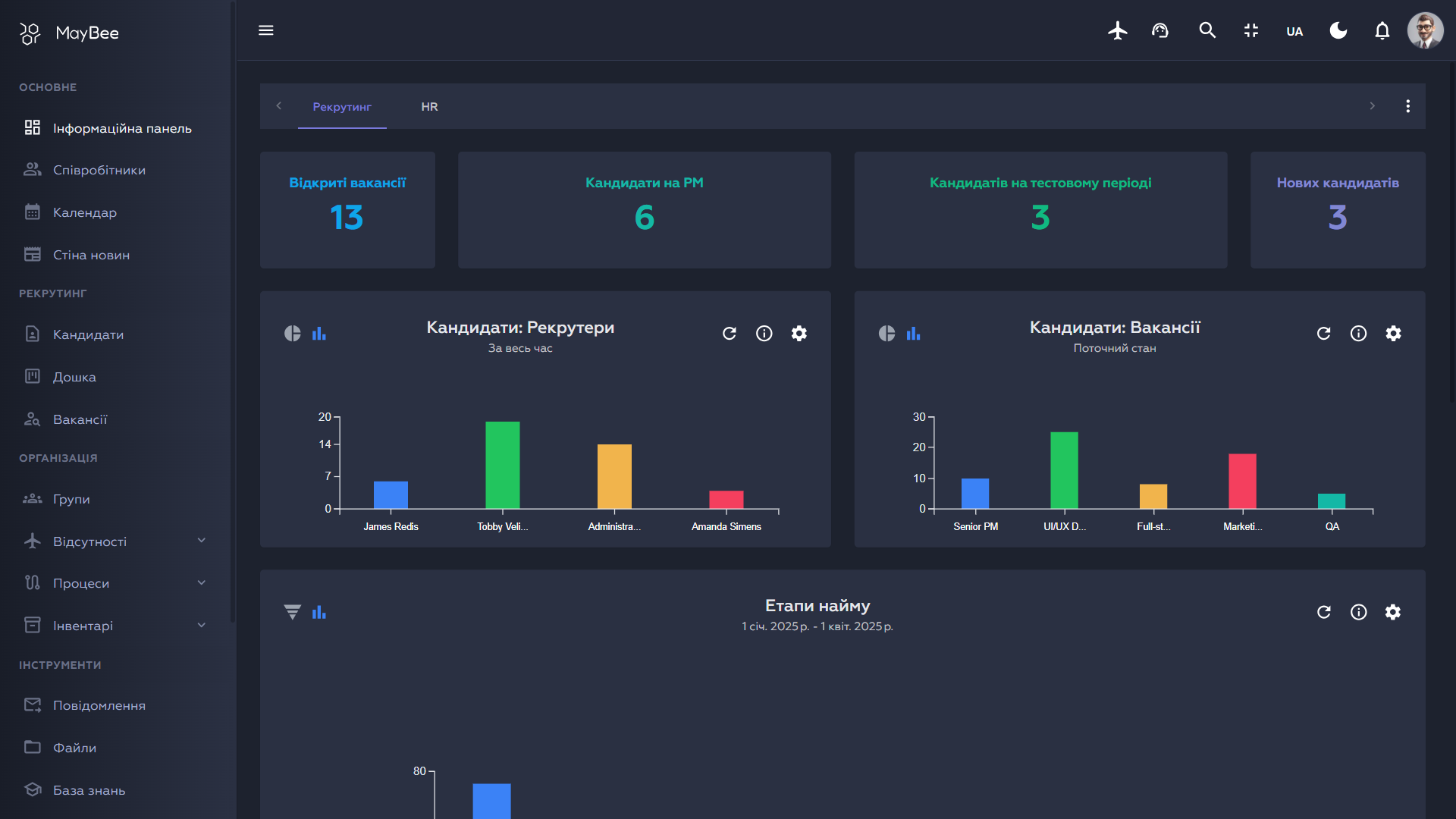
What an HRM system does: the core modules
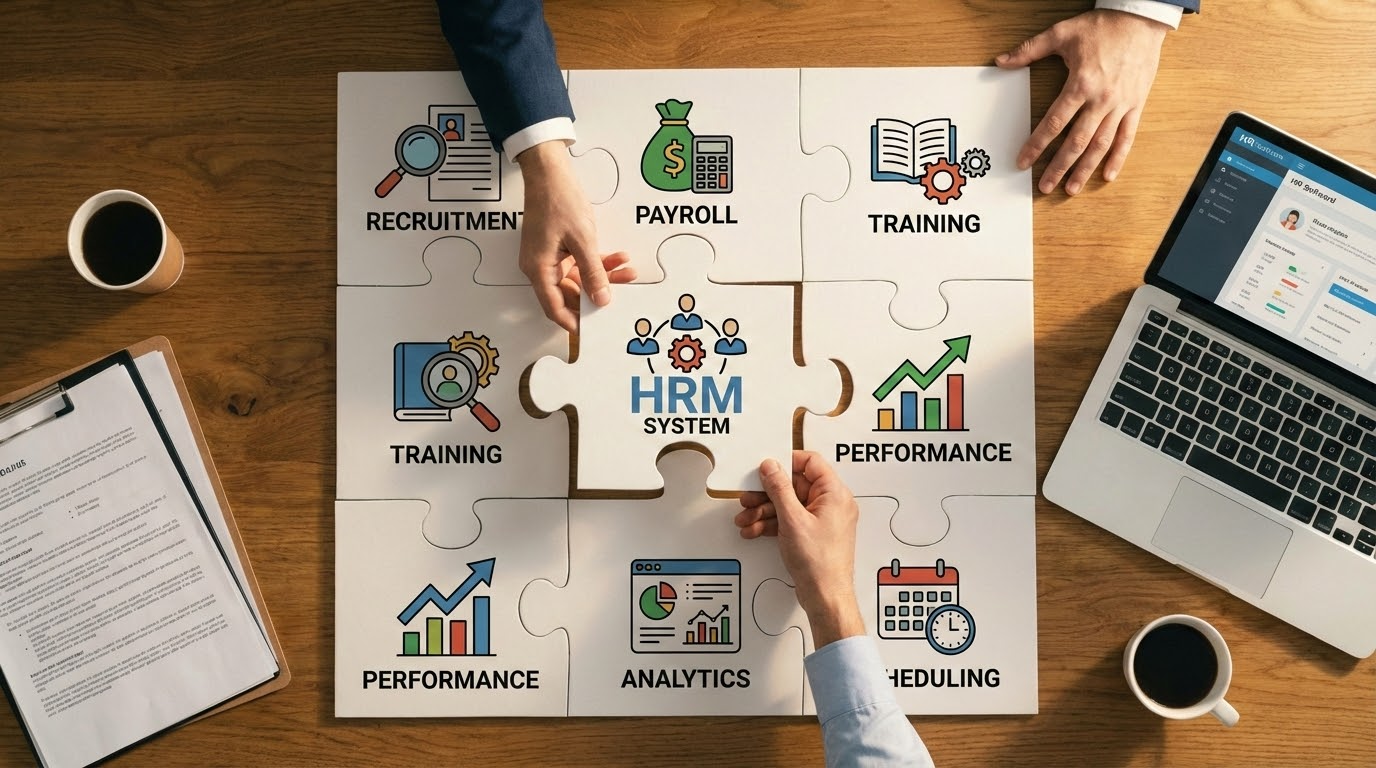
The set of modules differs from system to system, but the core is usually the same.
- Employee profiles and company structure. Contact details, position, department, manager, office, work schedule, history of position and salary changes. Everything else rests on this data.
- Absences. Vacation and sick leave requests, manager approval, day balances, the department’s absence calendar.
- Hiring. Job openings, applications from job boards and the careers page, selection stages, correspondence with candidates, rejection reasons.
- Onboarding and offboarding. Checklists for a new hire’s first week and for handing over work before someone leaves: who does what and what is already done.
- Reviews and skills. 360° feedback (input from the manager, peers, and direct reports), employee skills and their levels, knowledge tests.
- Surveys. Satisfaction surveys, eNPS (an employee loyalty score), comparing results between survey rounds.
- Analytics. Turnover, new-hire retention, headcount, absences, hiring effectiveness.
- Self-service. Employees see their own vacation balance, submit requests, and take surveys themselves, often from a mobile app.
A company rarely needs all the modules at once. Usually you start with the one or two processes that hurt the most, such as absences or hiring, and add the rest later.
Want to see how these modules work together on shared data? Request a demo.
What an HRM system usually doesn’t do
Expectations of an HRM system are often inflated, and this is exactly where disappointment after implementation begins. Here is what usually stays outside its scope.
- Payroll and tax calculation. This is often handled separately, in accounting software or a payroll service. Some HRM systems calculate pay themselves or through an integration; others only store data for the accountant: the salary for the position, its changes, absences. Ask the vendor about this directly.
- Mandatory HR paperwork. The documents and reporting required by your country’s labor law are often handled separately: in accounting software or by an HR records specialist.
- Project management. Work tasks live in other tools. An HRM system knows who is in which department and who is out today, but it doesn’t run projects.
- A manager’s conversations with people. The system will show a drop in eNPS in a department or rising turnover, but the conversation with people is up to the manager.
Before choosing a system, it helps to write down exactly what results you expect from it. If your main problem is payroll, an HRM system without a payroll module won’t solve it.
When a company needs an HRM system: the signs
There is no clear headcount threshold. In a company of about ten people working side by side, spreadsheets and a shared calendar are often enough. The need for a system doesn’t arrive with a specific number, but with signs like these:
- vacation and sick leave are pieced together from several spreadsheets and chats, and the day balance regularly differs from what the employee thinks it is;
- new hires in different departments get access, documents, and initial information in different ways, depending on who welcomes them;
- when the owner asks “how many people left in the past six months, and from which departments?”, the answer takes several days of manual consolidation;
- applications come in from several job boards and email, and some candidates get lost;
- surveys are run in different formats, and the results of two rounds can’t be compared;
- only one person knows all of this, and without them the processes stop.
If you recognize two or three of these signs, it’s worth at least calculating how many hours a month go into manual consolidation and fixing errors. How exactly spreadsheets stop working is covered in detail in a separate article on this blog.
What changes after implementation, and what not to expect
A well-implemented system delivers four practical results.
- One record instead of several. A vacation, a new hire’s first day, or a change of position is recorded once, and all reports are calculated from that record. Discrepancies between spreadsheets disappear.
- Processes don’t depend on one person. The onboarding checklist, hiring stages, and vacation approval rules are recorded in the system, not in someone’s memory.
- Answers to a leader’s questions without consolidation. Turnover by department, new-hire retention, absences, and headcount are visible the moment you ask.
- Employees do part of the work themselves. Vacation balances, requests, and surveys are available without emailing HR.
What not to expect: a system doesn’t create a process that doesn’t exist. If the company hasn’t agreed on who approves vacations and what a new hire gets on day one, the system will automate chaos. That’s why implementation starts with a few simple rules, and only then with configuration.
How to choose an HRM system: seven questions before you decide
A detailed selection process deserves its own breakdown. Here are just the questions worth asking yourself and the vendor.
- Which two or three processes hurt the most right now, and does the system cover them without customization?
- What does the system look like for a regular employee: interface language, mobile app, number of steps to request vacation?
- How is pricing calculated (per employee, per module, or per feature set), what is included in the base plan, and is there a discount for annual billing?
- Can roles and access rights be set up so that a manager sees only their own department?
- Does it integrate with what you already use: email, calendar, messaging apps, job boards?
- Is there a trial period long enough to run one real process from start to finish, such as a vacation request?
- Where is the data stored, who has access to it, and is there two-factor authentication?
There is a separate article on this blog about the implementation process itself.
Frequently asked questions
What is the difference between HRM and HR?
HR usually refers to the people and the department that work with staff, while HRM is the activity of managing people itself: hiring, onboarding, development, evaluation, retention. An HRM system is the tool for this activity. It’s used not only by HR specialists but also by managers who approve vacations and evaluate people, and by the employees themselves.
How is an HRM system different from an ATS?
An ATS (a hiring system) works with candidates before they start work: job openings, applications, stages, job offers. An HRM system works with people who are already in the company. Many HRM systems have a hiring module, and then a candidate who accepts an offer becomes an employee without anyone re-entering data. If the ATS is separate, check how its data gets into the HRM system.
Does an HRM system calculate payroll?
It depends on the system. Some HRM systems calculate pay themselves or through an integration with a payroll service; others only store data for the accountant: the salary for the position, its changes, absences. If payroll matters to you, ask the vendor directly what the system calculates itself and what it only stores.
At what headcount do you need an HRM system?
There is no universal number. What matters more is how much time goes into manual consolidation and how many errors it produces. If vacations, hiring, and onboarding are pieced together by hand from several sources every month, and the result depends on one person, you most likely already need a system, regardless of headcount.
Can you start with one module?
Yes, and that’s often the right way to do it. Start with the process that hurts the most, such as absences or hiring, and move it over completely, not partially. Once people get used to submitting requests in the system, the next module is easier to roll out, because profiles and company structure are already filled in.
Can you get by with spreadsheets?
You can, as long as one person maintains the data with discipline and there aren’t many questions to ask of it. In a spreadsheet, it’s hard to separate access rights, and metrics have to be compiled by hand. When there are several spreadsheets and discrepancies start to appear, the time spent consolidating grows faster than the company. That’s when it’s worth counting how many hours a month go into consolidation.
Want to take a vacation request or a survey from start to finish? Free for 14 days.


 We stand with Ukraine