

A 20-100-person company often chooses its first HRM system (software for managing people) like this: someone opens a few websites, compares feature lists and “starting at” prices, watches one demo (a walkthrough of the system by a vendor representative), and signs up for a subscription. Sometimes, six months later, nobody uses half of the features, vacation requests are still sent through a messaging app, and the bill is higher than expected.
This article is about choosing differently: start with three tasks of your own, build a table of criteria, calculate the full annual cost, ask ten questions during the demo, and go through the trial period following a five-day plan. There are no system names or rankings here: the method works for any shortlist you put together yourself.
Start with three tasks, not a feature list
Choosing starts not with systems but with a list of your own: three tasks the system has to handle in the first three months. A system with a hundred features that doesn’t handle your three tasks is worse than a system with twenty that does.
It’s easy to get this wrong. According to a Capterra survey (3,500 respondents in nine countries, August 2024), 59% of companies regret at least one software purchase made in the past year and a half. Among those who regretted buying HR software, 64% made the decision on their own, and 90% say they tend to make purchase decisions based only on information from the seller.
Capterra is itself a platform where users write software reviews, so treat these figures as a sense of the scale of the problem. But the picture they paint is recognizable: among those who regretted their purchase, most chose alone and based on what the seller told them.
To define your three tasks, think back over the last quarter and write down what exactly went wrong because your people data was in disorder. Not “we need automation,” but specific cases:
- two people from the same department went on vacation at the same time because requests were approved in private messages;
- the answer to “how many people left in the last six months, and from which departments?” took three days to put together;
- a candidate waited two weeks for a reply because their resume was sitting in a manager’s inbox;
- a new hire had neither access nor a plan on their first day.
Each case turns into a task, and each task into a test scenario. For example: “an employee submits a vacation request from their phone, the manager approves it, and the absence shows up in the calendar.” These are the three scenarios you’ll ask to see in the demo and go through yourself during the trial period.
It’s also worth deciding in advance what not to expect from the system. For example, some systems calculate payroll, while others only store data for the accountant: decide which one you need. The blog has a separate article on what an HRM system does and where its limits are.
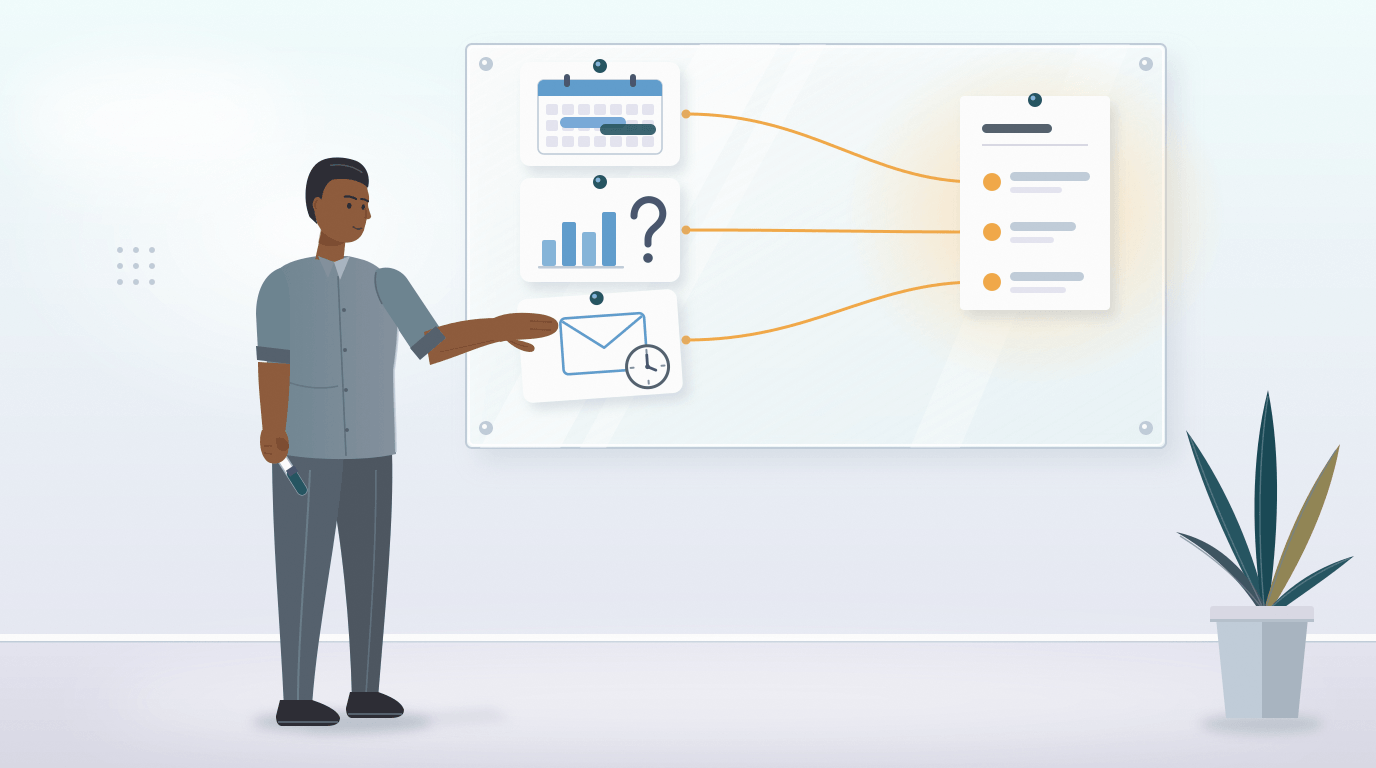
Selection criteria: seven groups and a scoring table
Seven criteria are enough, and the company sets the weight of each one itself before looking at any demos. If you set the weights after the demos, the system that presents itself better wins, not the one that suits you better. According to Capterra’s 2026 software buying report (3,385 respondents in 11 countries), 62% of successful buyers had defined their budget and must-have features in advance, compared with 48% of disappointed ones.
- The three tasks. Whether the system handles your three scenarios without customization or workarounds.
- Ease of use for employees. Interface language, a mobile app, the number of steps in a vacation request. The whole company will use the system, not just HR.
- Price and pricing model. The full annual cost for your headcount. How to calculate it is explained in the next section.
- Roles and access rights. Who can see salaries and personal data, and whether a manager can see only their own department.
- Integrations. Email, calendar, job boards, and the messaging apps you already use.
- Security and data. Where the data is stored, who at the vendor has access to it, and whether there is two-factor authentication.
- Support. Language, contact channel, and how quickly they answer a real question.
Next comes a simple table. Give each criterion a weight so that the weights add up to 100, and rate each system on a scale from 1 to 5. Multiply each score by its weight and divide the total by 5: the maximum is 100 points.
An example for illustration. Weights: three tasks 30, ease of use 15, price 15, access rights 10, integrations 10, security 10, support 10. System A got scores of 5, 3, 3, 4, 3, 4, 3 and earned 76 points. System B got 2, 5, 5, 4, 4, 4, 5 and also earned 76. The totals are the same, but System B is easy to use and cheap, and it doesn’t handle your tasks.
That’s why the table needs one rule, written down in advance: a score below 3 on the first criterion means “no,” regardless of the total. The other criteria compare only the systems that have passed this rule.
Someone else’s weights won’t replace your own. In a paper by researchers at the Vinnytsia National Technical University (2026), five experts rated the criteria for choosing HRM systems, and their ratings differed: they gave price a weight of 0.20 to 0.25, feature completeness 0.20 to 0.30, and simplicity 0.10 to 0.20. The authors considered these ratings consistent, but even this spread can change the winner in your table.
Full annual cost: how to read pricing plans
What you should compare is not the “starting at” price but the amount the company will pay in the first year for its own headcount. These two numbers can differ several times over, because pricing is built on different models. A review by SHRM (the American association of HR professionals, August 2024) notes that most vendors sell subscriptions with several pricing tiers, and the price grows with the number of users, the feature set, and integrations.
- Per user per month. The price multiplied by your headcount. Check whether there is a minimum number of users and whether former employees whose profiles are kept still count.
- Seat packs. Seats (user licenses) are sold in packs, for example of 10 or 25. If packs come in 25s, a 55-person company pays for 75 seats.
- Feature-based tiers. Basic, advanced, full. A feature you need may only be in a higher tier.
- Paid add-on modules. Recruiting, surveys, or analytics are sold separately from the base version.
- Separate seats for recruiters or administrators. Find out how many of these seats you need and how much each one costs.
- Annual billing with a discount. Makes sense after the trial period, once you are confident in your choice.
- One-time fees. Implementation, training, customization for your company.
An example for illustration; the numbers are hypothetical and are not the prices of real systems. A company has 50 people. System A costs $4 per user per month, everything included: 50 × 4 × 12 = $2,400 a year.
System B costs “starting at $2”: 50 × 2 × 12 = 1,200. But recruiting is a separate module at $90 a month ($1,080 a year), restricting access by department is available only in the higher tier (another $1 per user per month, $600 a year), and implementation costs a one-time $500. In total, $3,380 versus $2,400.
Now the other way around. If hiring isn’t one of your three tasks, System B without the recruiting module will cost $2,300 and become cheaper than A. So count only the modules that handle your tasks, and only for your own headcount.
The formula in one line: the annual cost equals seat fees for 12 months plus modules for 12 months plus separate seats for 12 months plus one-time fees. Add your own people’s time: if setup takes the HR specialist and two managers ten hours each, that is also a first-year cost, even though it isn’t on the invoice.
And ask about changes: can you reduce the number of seats in the middle of a paid period, or only from the next one? How to assess later whether the system has paid off is covered in a separate article.
Ten questions to ask the vendor during the demo
A demo only makes sense when it follows your scenarios. Send your three scenarios in advance and ask to see exactly those, not the standard presentation. Spend the rest of the time on ten questions.
- Can you show us our first scenario from start to finish: what does the employee see, what does the manager see, and what does HR see?
- What is included in the price you quoted, and what will we pay extra for with our headcount?
- How will the bill change if the company grows by 20 people or shrinks by 10?
- Who can see salaries and personal data by default, and how do we restrict that?
- Can a manager see and approve requests only from their own department?
- Where is the data physically stored, and who on your side has access to it?
- Do you support two-factor authentication?
- Which of our tools does the system work with: email, calendar, job boards, messaging apps?
- What can an employee do from their phone?
- In what language does your support answer, and how quickly?
You don’t have to come up with security questions yourself. The UK’s National Cyber Security Centre (NCSC) has published 18 questions for cloud software vendors, almost all of them with a “yes” or “no” answer: about encryption, two-factor authentication, user roles, and where the data is stored.
Record the answers in the same scoring table right after the demo, before your impressions blur together. An answer of “it’s on our roadmap” is recorded as “no”: you are buying what works today.
Got your three scenarios? Request a demo and see them in a live system.
The trial period: a five-day plan
The trial period answers a question that a demo can’t: will your people use the system? That’s why it’s worth inviting five to ten coworkers to take part, rather than having the administrator go through it alone.
- Day 1. Structure. Departments, positions, roles, and five to ten employees from different departments. Among them should be at least one manager and one skeptic.
- Day 2. The first scenario. For example, a vacation request: submitting it from a phone, approval, the calendar. Write down how long it took and how many questions your coworkers asked.
- Day 3. The second scenario. For example, a job opening: an application, a candidate, an interview invitation through the calendar, a decision.
- Day 4. Access rights and the third scenario. Ask a coworker who is a regular employee and a coworker who is a manager to show what they see in the system: what is unnecessary there and what they are missing.
- Day 5. Support and wrap-up. Ask support a real question and note how long it takes to answer. Fill in the scoring table together with the participants.
At the end, each participant answers five questions: did they complete the scenario without help; how many minutes did it take; how many questions came up; what in the system was unnecessary; would they keep using it.
The trial period is underrated. In Capterra’s August 2024 survey, successful buyers were 25% more likely than those with regrets to have factored the trial period into their final decision.
If, after five days, your coworkers couldn’t complete the first scenario without help, that’s a signal: it will be the same after the purchase. If they did, and they’re asking when they can keep using it, that carries more weight than anything else in the table.
What to do once you’ve chosen is described in the article on the first steps of implementing an HRM system.
Common mistakes when choosing
A failed purchase often starts with the way the system was chosen, not with the system itself. Here are six mistakes worth avoiding.
- Buying “to grow into.” A system built for a 500-person company, used in a 50-person company, means needless complexity every day and needless costs every month. Room for the company to double in size is usually enough.
- Counting features. The winner isn’t the longest list, but your three scenarios completed without workarounds.
- Choosing alone. If managers and employees didn’t see the system before the purchase, they will see it as something forced on them.
- Looking at the “starting at” price. Calculate the annual amount for your headcount and your modules.
- Trusting rankings without checking. Look at who put the list together and on what criteria: if the criteria don’t match your three tasks, the list won’t tell you much.
- Not appointing a system owner. After launch, one person has to be responsible for the reference lists (departments, positions, types of leave), the roles, and keeping the data in order.
If you’re not yet sure you need a system at all, start with the article on when spreadsheets stop being enough.
Frequently asked questions
How much does an HRM system cost for a 50-person company?
There is no single figure: the price depends on the pricing model, the feature set, and the market. As a reference point, SHRM, citing a Business.com study (August 2024), gives small businesses a range of $5 to $20 per employee per month, a base fee of $40-100 a month, and a one-time implementation fee. Prices in your market may be different. That’s why you should calculate the first-year total for each quote: the monthly fee for your headcount, extra charges for modules and separate seats, and one-time fees.
Does a 20-person company need an HRM system?
It depends not on headcount, but on what is breaking. If one manager knows everyone personally and you hire twice a year, a spreadsheet is enough. If you already have several managers, vacation requests get lost, and you always have two or three open positions, a system will most likely save more time than it takes, even in a 20-person company.
Which is better: one system for HR and hiring, or two separate ones?
One system is convenient because a candidate becomes an employee after being hired without anyone entering their data again, and access rights and the list of people are managed in one place. Two separate systems make sense when hiring is already set up in a separate system and works, when you need hiring features the HRM system doesn’t have, or when an outside agency handles hiring. What decides it is which of your three tasks are about hiring.
How many systems should you compare?
Three. Cut the long list using the first criterion: remove everything that, judging by its description, doesn’t handle your three tasks. After five demos in a row, the systems blur into one and the decision gets put off. Three demos with the same three scenarios and one trial period with the front-runner give you enough information to decide.
How much time does choosing take?
It’s reasonable to plan for three to four weeks. The first week goes to the three tasks, the criteria, and the weights. The second and third go to demos of three systems using your scenarios and to calculating the annual cost. The fourth goes to the trial period with coworkers and a decision based on the table. It can go faster if you already have a list of tasks.
Who should make the decision?
The decision is made by whoever is responsible for the budget, but based on a table filled in by at least three people: the future system owner (an HR specialist or operations manager), one department head, and one regular employee. They are the ones who will use the system every day, and their ratings of ease of use matter more than impressions from a demo.
Test your three scenarios on your real processes. Free for 14 days.

 We stand with Ukraine